Phantom Loads: The Devices Quietly Running Up Your Bill While You Sleep
Set-top boxes, consoles, and “off” devices that never sleep — how to find them, measure them, and stop paying for them.
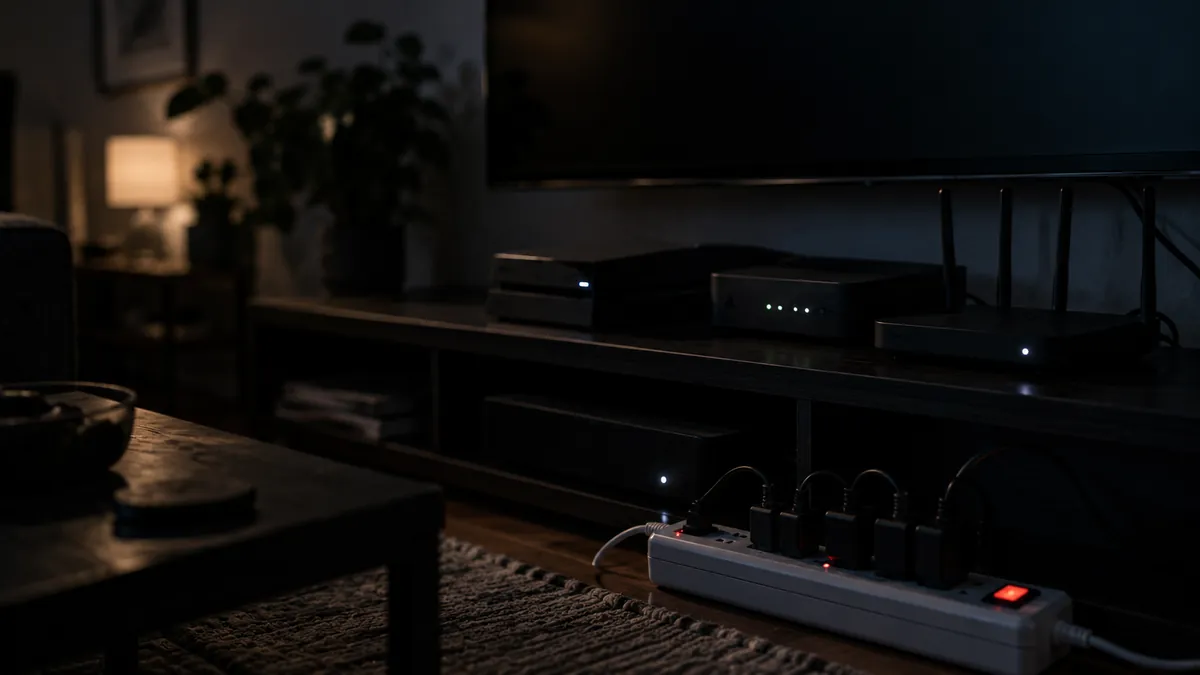
Walk through your house at midnight and count the little lights: the cable box, the game console, the soundbar, the printer, the microwave clock, the chargers. Everything glowing or warm is drawing power, and you're paying for all of it. This is standby power — often called phantom or vampire load — and across a typical home it quietly accounts for a meaningful slice of the electric bill. Estimates from energy researchers and the Department of Energy have generally put standby consumption in the range of 5–10% of residential electricity use.
The good news: this is one of the cheapest problems in home energy to fix, because the fix is mostly "turn things actually off."
The usual suspects
Not all idle devices are equal, and it's worth knowing where the real money goes. Cable and satellite set-top boxes, especially DVR models, are notorious — many draw nearly as much switched "off" as on, because they're never really off. Game consoles in instant-on or rest modes can draw a surprising amount around the clock. Older audio/video gear, desktop computers left sleeping, aquarium and garage equipment, and anything with a remote control (which needs standby power to listen for the remote) all add up.
And a myth worth retiring: phone chargers left in the wall with nothing attached are, on modern hardware, a rounding error — fractions of a watt. Unplugging them is tidy, but it isn't where the savings are.
Measure before you optimize
You can skip straight to the fixes below, but a plug-in power meter (sold under names like Kill A Watt, typically $20–$40) turns guesswork into a fifteen-minute audit. Plug a suspect device into the meter, read the watts while it's "off," and multiply: watts ÷ 1,000 × 24 hours × 365 days × your electric rate gives you the annual cost of leaving it plugged in. A box idling at 15 watts costs roughly $20–$25 a year at typical U.S. rates — per device.
The fixes, cheapest first
Settings cost nothing. Most consoles have an energy-saver shutdown mode buried in settings that cuts standby draw dramatically while still allowing updates on a schedule. Computers should sleep or hibernate, not sit at the login screen; TVs often ship with "quick start" enabled, which you can usually disable and never notice.
Switched power strips group devices that live and die together — the TV cluster, the desk cluster — behind one physical switch. One flick on the way out of the room cuts the whole group. This is the workhorse solution: a few dollars per strip, no batteries, nothing to configure.
Smart plugs and advanced strips add scheduling ("kill the entertainment center between midnight and 5 p.m.") or master-slave switching, where turning off the TV cuts power to everything downstream. Worth it for clusters you can't be bothered to switch manually — just note that smart plugs themselves draw a watt or so, so don't put one on a lamp you use nightly and call it savings.
Just unplug the stragglers. The guest-room TV, the rarely used printer, the second fridge running half-empty in the garage — that last one isn't a phantom load at all, but it's often the single biggest "quiet" energy waster in a home, and the audit that finds one usually finds the other.
What it adds up to
Chase settings, add two or three switched strips, and unplug the genuinely dormant stuff, and a typical household can shave a noticeable few percent off its annual bill for an outlay of under $40. It won't change your life. It will, quietly and permanently, stop a slow leak — and unlike most home-efficiency projects, you can finish this one tonight.